



File Repository
Last modified by Sabrina V. on 2026/10/08 05:45
You can access the File Repository by clicking the corresponding icon  in the Command List's quick-access bar.
A new window will open, in which the File Repository is divided into two subfolders:
| Global | The files uploaded to this section are stored only on the acmp Server repository and must therefore always be loaded from the acmp Server. |
| Private | Files uploaded to this section are stored exclusively in the acmp Server's repository and must therefore always be loaded from the acmp Server. |
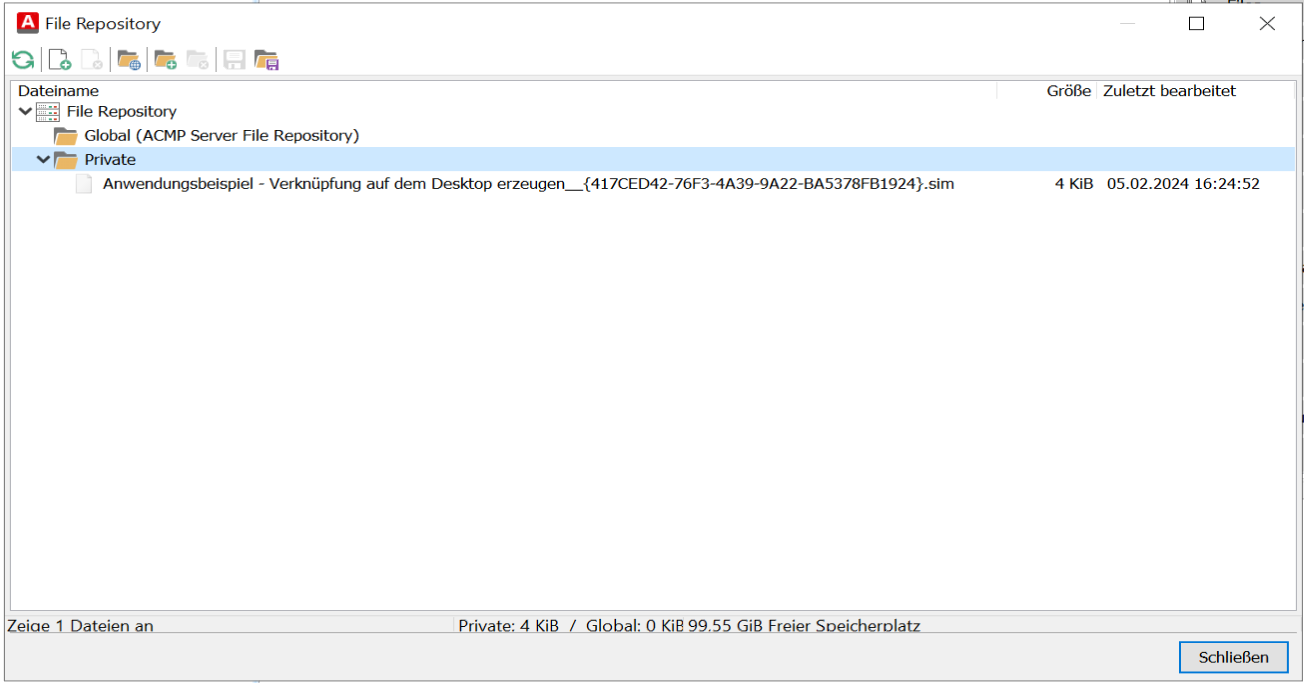
Files of File Repositories
 Note:
Note: In addition to these, you can create additional subfolders and add files. You can also include entire folders along with their content. The data is stored in the file repository.
It is also possible to save files or folders from the file repository back to your local drive. Icons for these options are available in the quick access bar.
Using the Download File command, you can save files from the file repository to your local client within the Client Command sequence.